Identity & SSO
Settings → Identity & SSO configures how members authenticate to your VibeReview tenant — through enterprise single sign-on or social login.
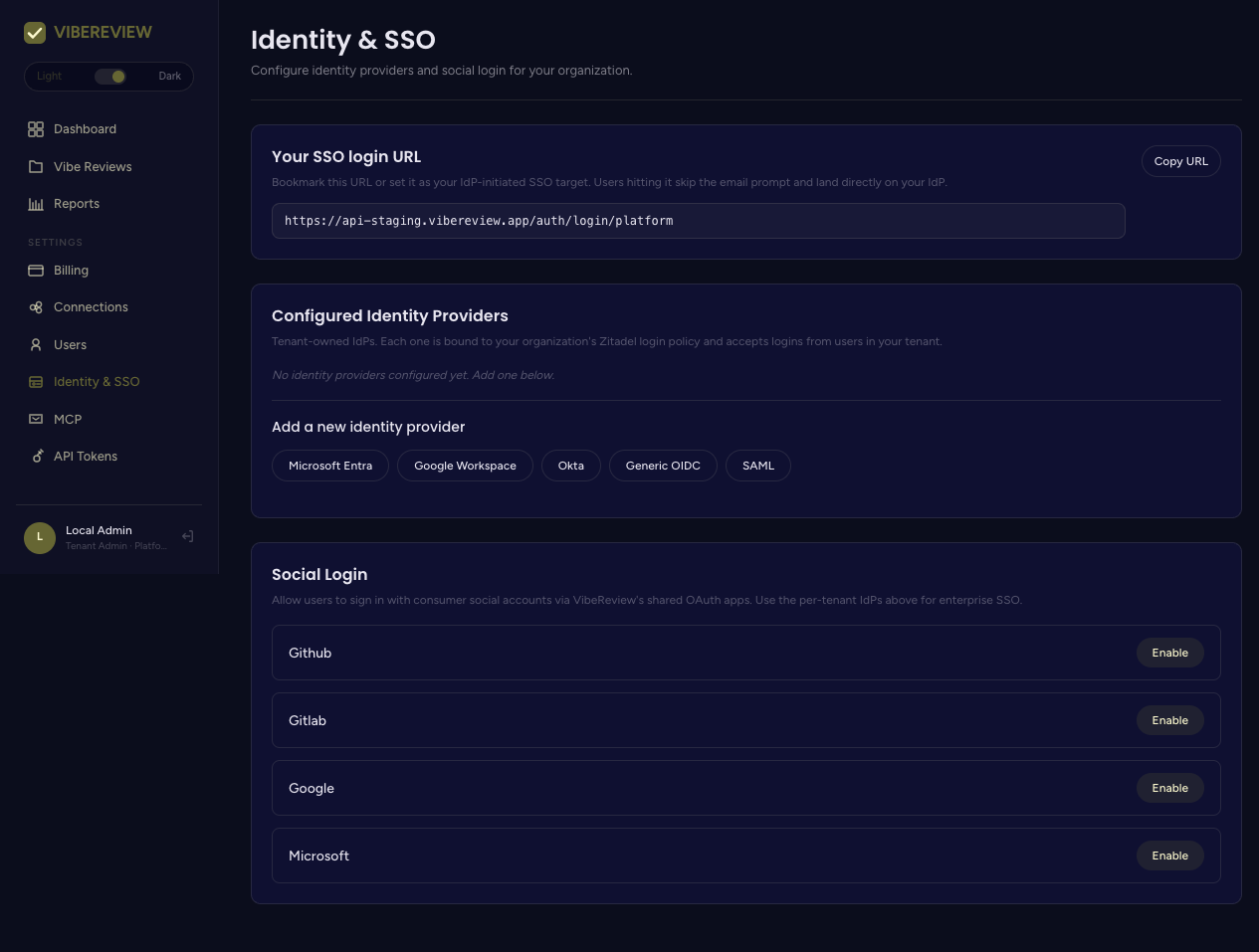
Your SSO login URL
The page surfaces a tenant-specific SSO login URL with a Copy URL button. Share this URL with your team so they land on your configured identity provider when signing in.
Enterprise SSO providers
Connect any of the following identity providers:
- Microsoft Entra
- Google Workspace
- Okta
- Generic OIDC
- SAML
Pick the provider that matches your organization's IdP. OIDC providers (Entra, Google Workspace, Okta, Generic OIDC) use OpenID Connect; SAML is available for IdPs that standardize on SAML 2.0.
Social login
For lighter-weight setups, enable social login so members can authenticate with a consumer/identity account. Each provider has an Enable toggle:
- GitHub
- GitLab
- Microsoft
Plan availability
Which sign-in methods you can enable depends on your plan:
| Method | Demo / Individual | Team | Enterprise |
|---|---|---|---|
| GitHub / Google (SSO & social) | ✅ | ✅ | ✅ |
| OIDC (Microsoft Entra, Okta, Google Workspace, Generic OIDC) | ❌ | ✅ | ✅ |
| SAML | ❌ | ❌ | ✅ |
| SCIM provisioning | ❌ | ❌ | ✅ |
See Plans & Pricing for the full comparison. The Identity & SSO screen exposes all providers; the ones outside your plan are unavailable until you upgrade.
Choosing an approach
| Scenario | Recommended |
|---|---|
| Enterprise with a central IdP | SAML + SCIM, or OIDC (Entra / Okta / Workspace), and share the SSO login URL. |
| Team with an OIDC provider | OIDC (Microsoft Entra / Okta / Google Workspace / Generic OIDC). |
| Small team or trial | Social login with GitHub / Google. |
Identity & SSO governs who can sign in to the web app. It is separate from Connections, which governs VibeReview's access to your repositories. You typically configure both.